
Typing up meeting notes takes time, and it pulls your attention away from your client. That’s why GrowthWheel now lets you speak them. Speech to text is here!
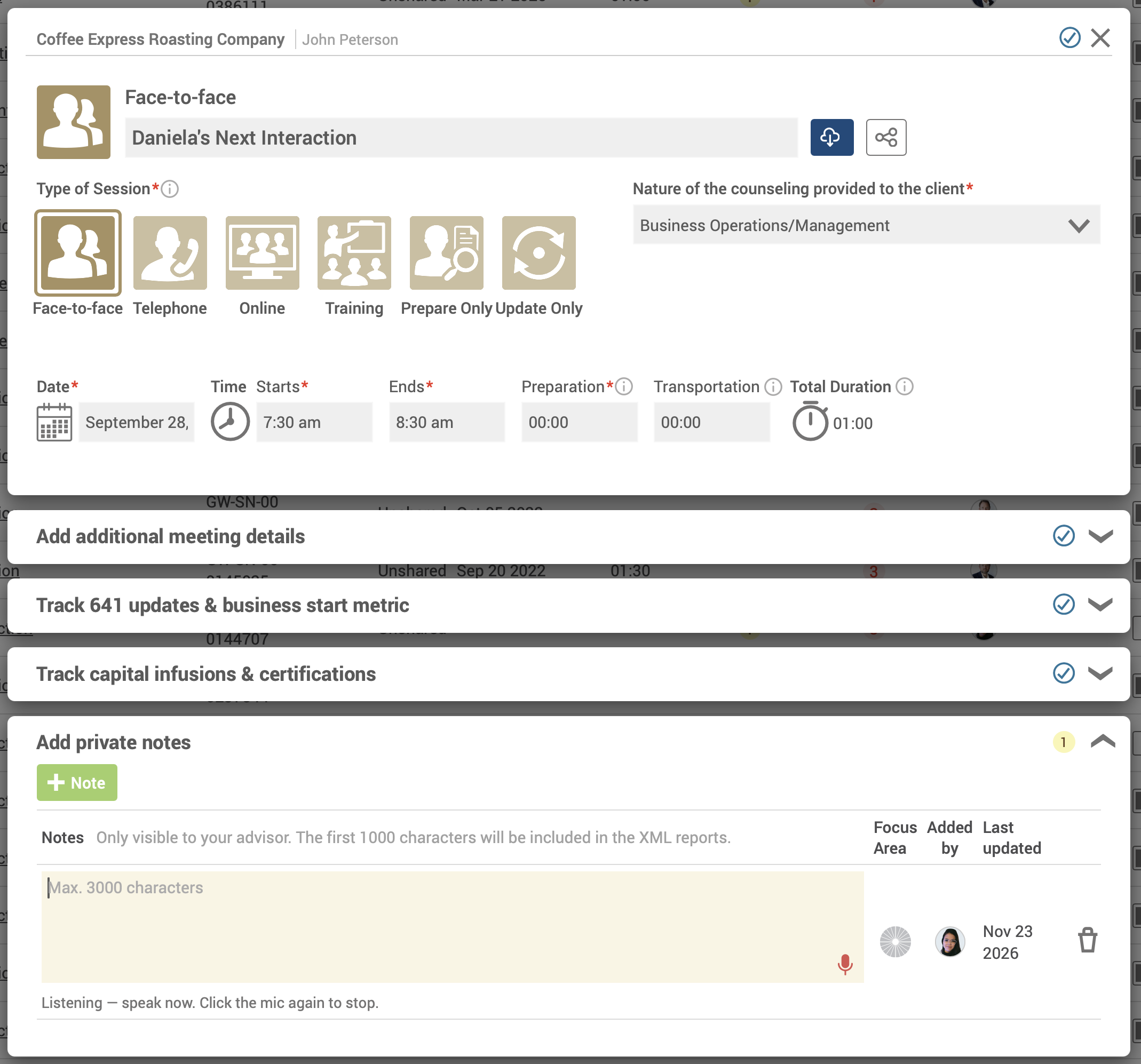
Open any client interaction, and add a private notes. Click the microphone icon in the note field and allow microphone access in your browser when asked.
Start talking and GrowthWheel Online transcribes what you say. Stop the recording and your note is saved, while the conversation is still fresh.
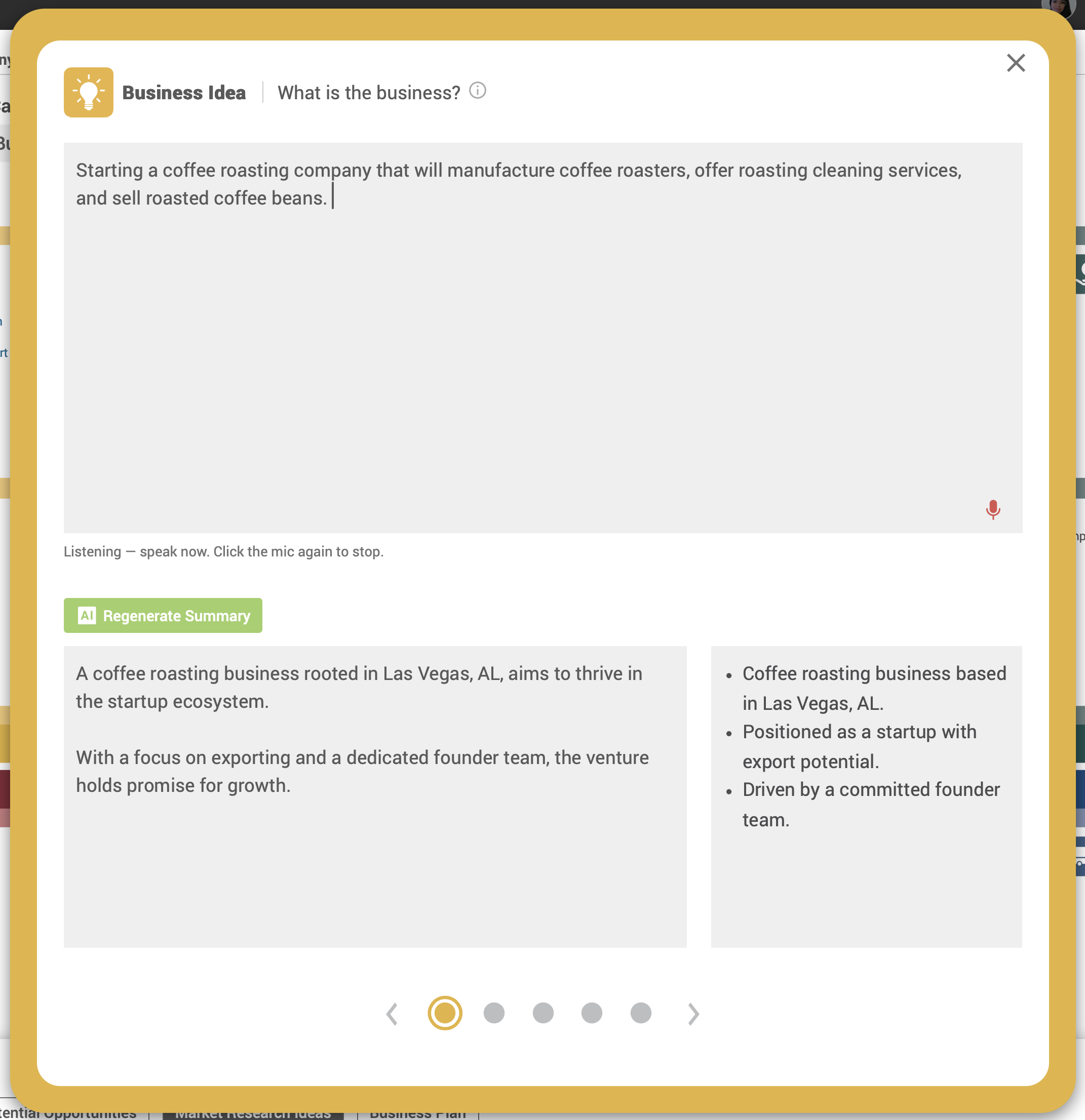
The microphone is also available in the 360° Business Canvas dialog, so you can add information about a client’s business as you speak. We will keep adding it to more fields across the platform.
We hope this update helps you save time on note-taking and keep your attention where it matters: on your client’s business growth.