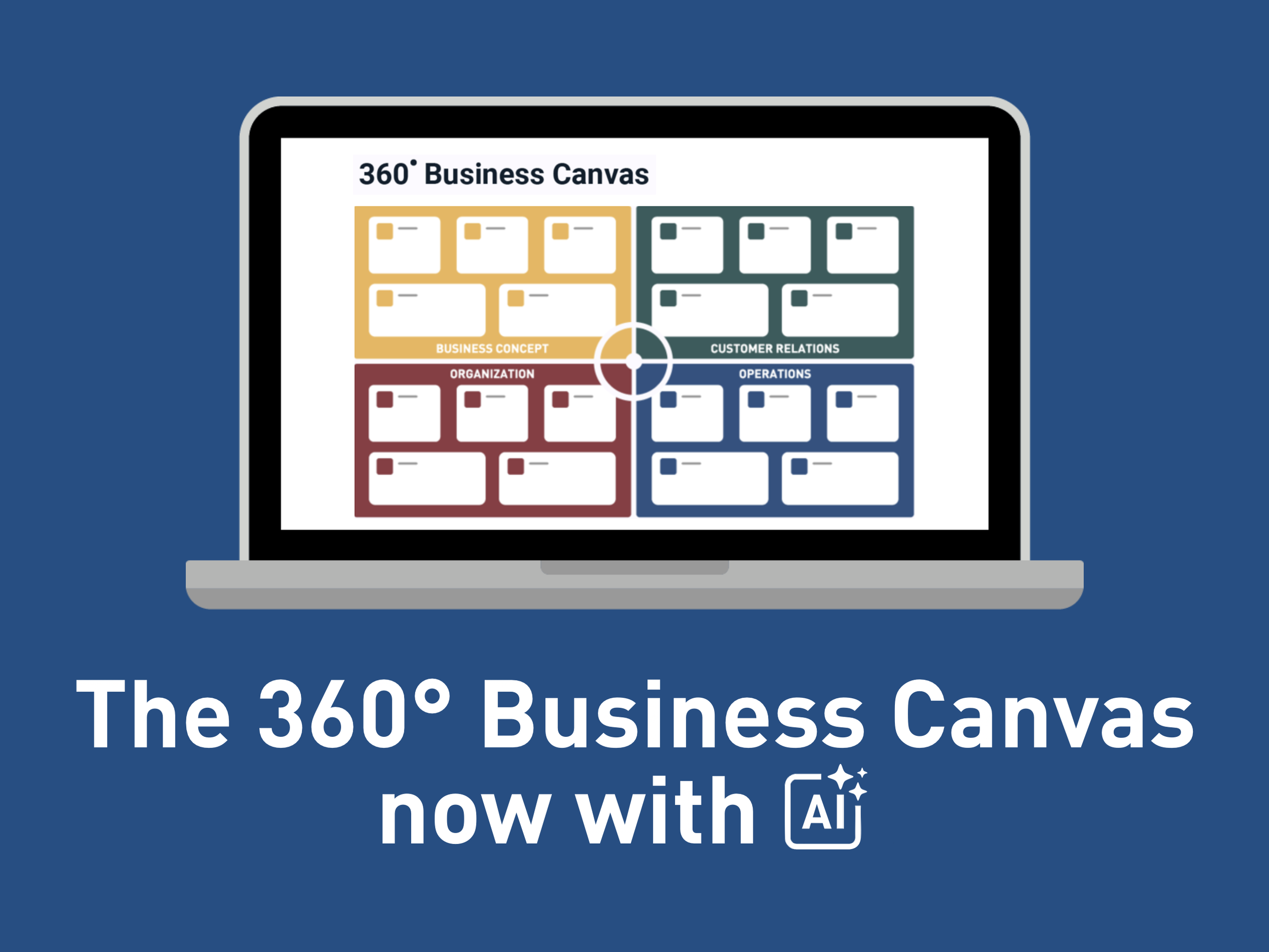
The 360° Business Canvas Online is here! Now with AI Summaries.
You can now create and work with the 360° Business Canvas directly in GrowthWheel Online. Build the canvas in the cloud, collaborate with clients, and generate structured insights with AI as you go.
To get started, open the quick access menu, select a client, and click “+ Create 360º Business Canvas.”
Add a title, choose whether the canvas represents the current or future business, and begin filling out the focus areas section by section.
In this short video, Elizabeth will show you how to use this in GrowthWheel Online:
Available only for GrowthWheel Certified Business Advisors to share with their clients
What You Can Do with the New 360° Business Canvas Online
Generate AI summaries:
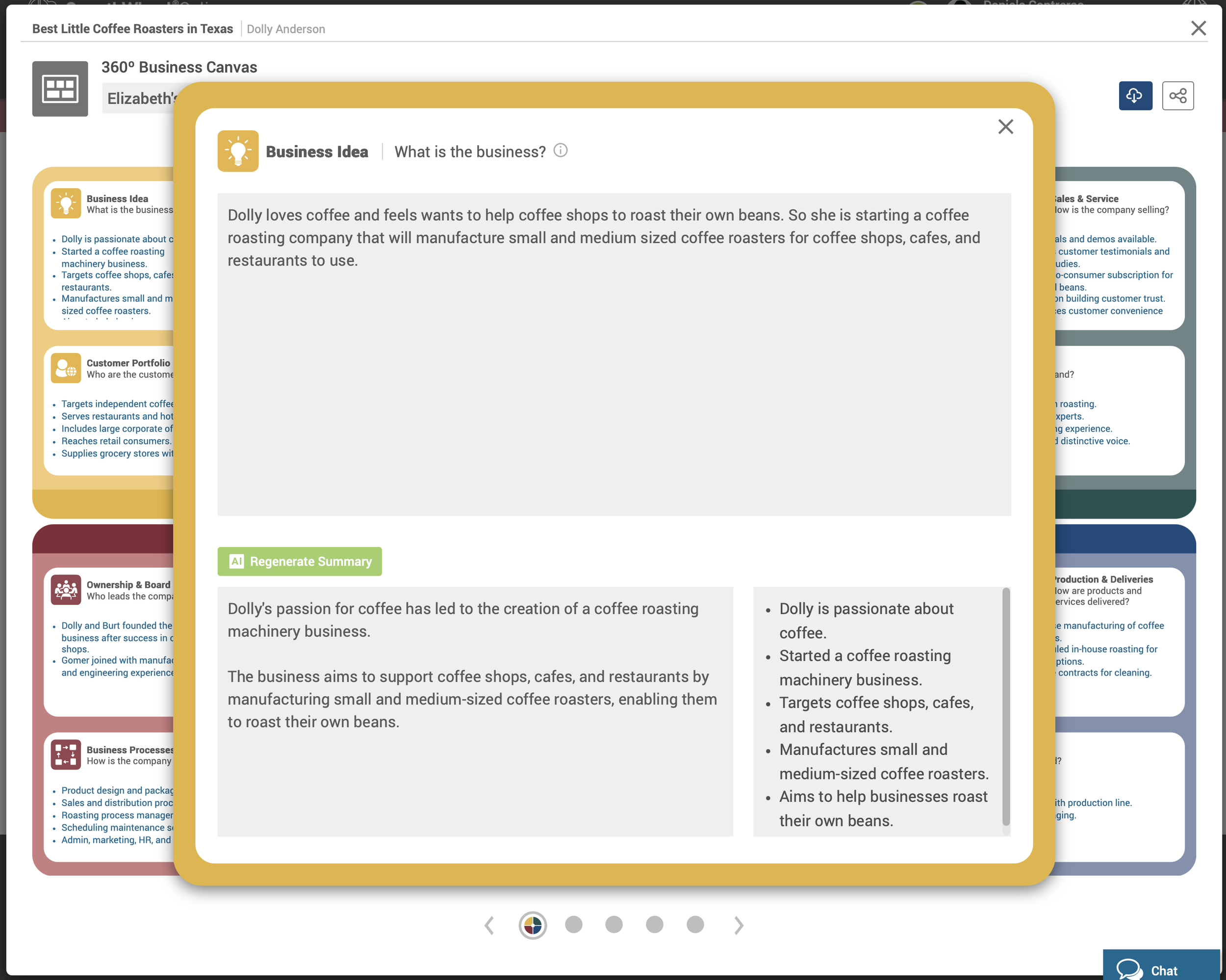
Add any input to each focus area and click “Generate Summary” to instantly create a structured overview and bullet points with AI.
The short bullet points are added to the main canvas
A longer summary is saved inside each focus area
Works across all 20 focus areas as you build the 360º Canvas
Use the slider to navigate through the 360º Canvas areas. The more context you add, the stronger and more relevant the AI output becomes.
Generated AI Business documents:
Once your canvas is complete, you can generate supporting documents such as:
Conversation starters for advisor sessions
Potential growth opportunities
Market research ideas
These documents are generated from the content of the 360º Business Canvas and are designed to support productive advisor–client conversations.

Download a 360º Canvas in PDF:
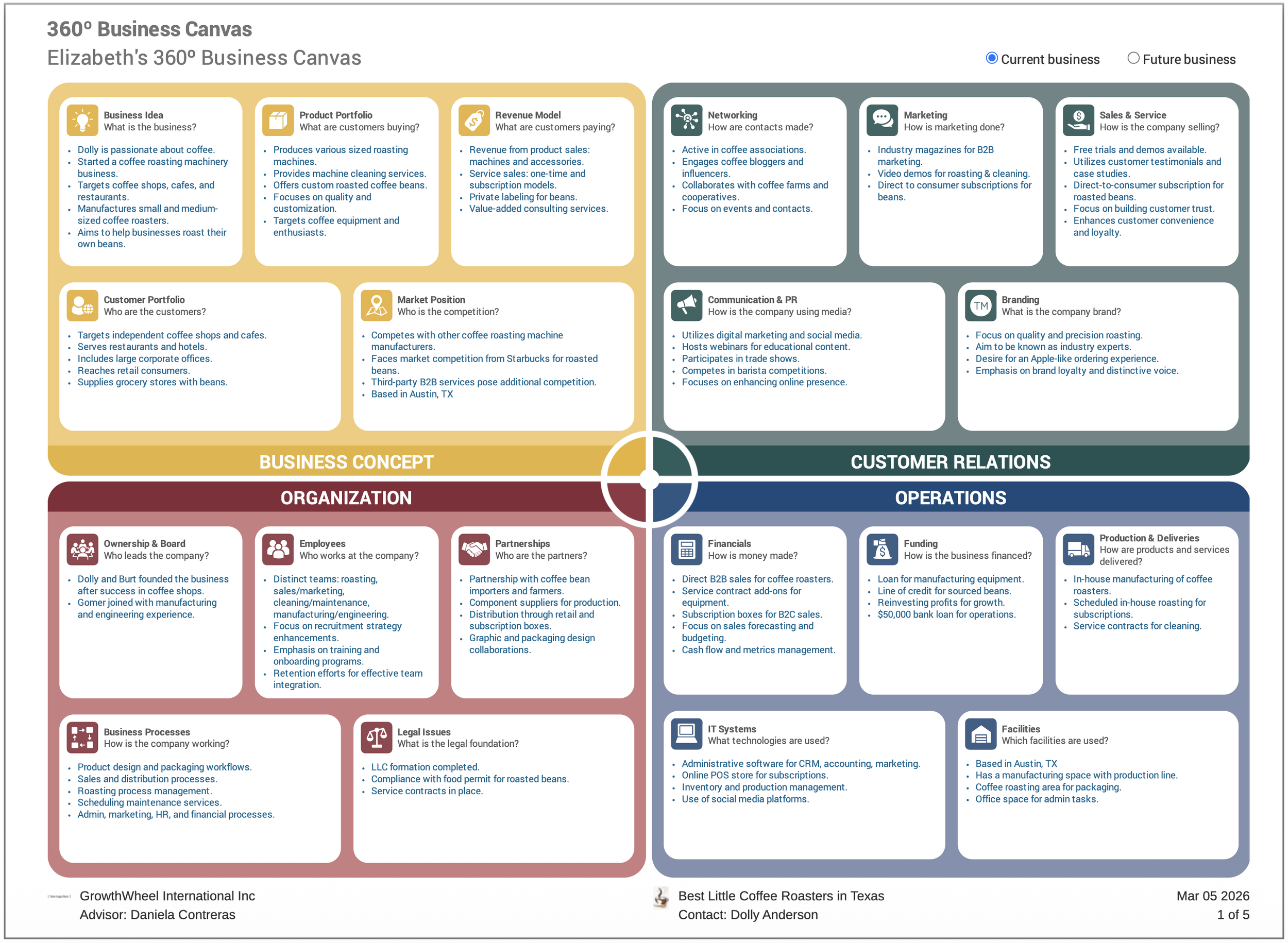
Export the full canvas as a clean, professional PDF at any time to be easily shared. The exported file includes:
A first-page overview with key bullet points
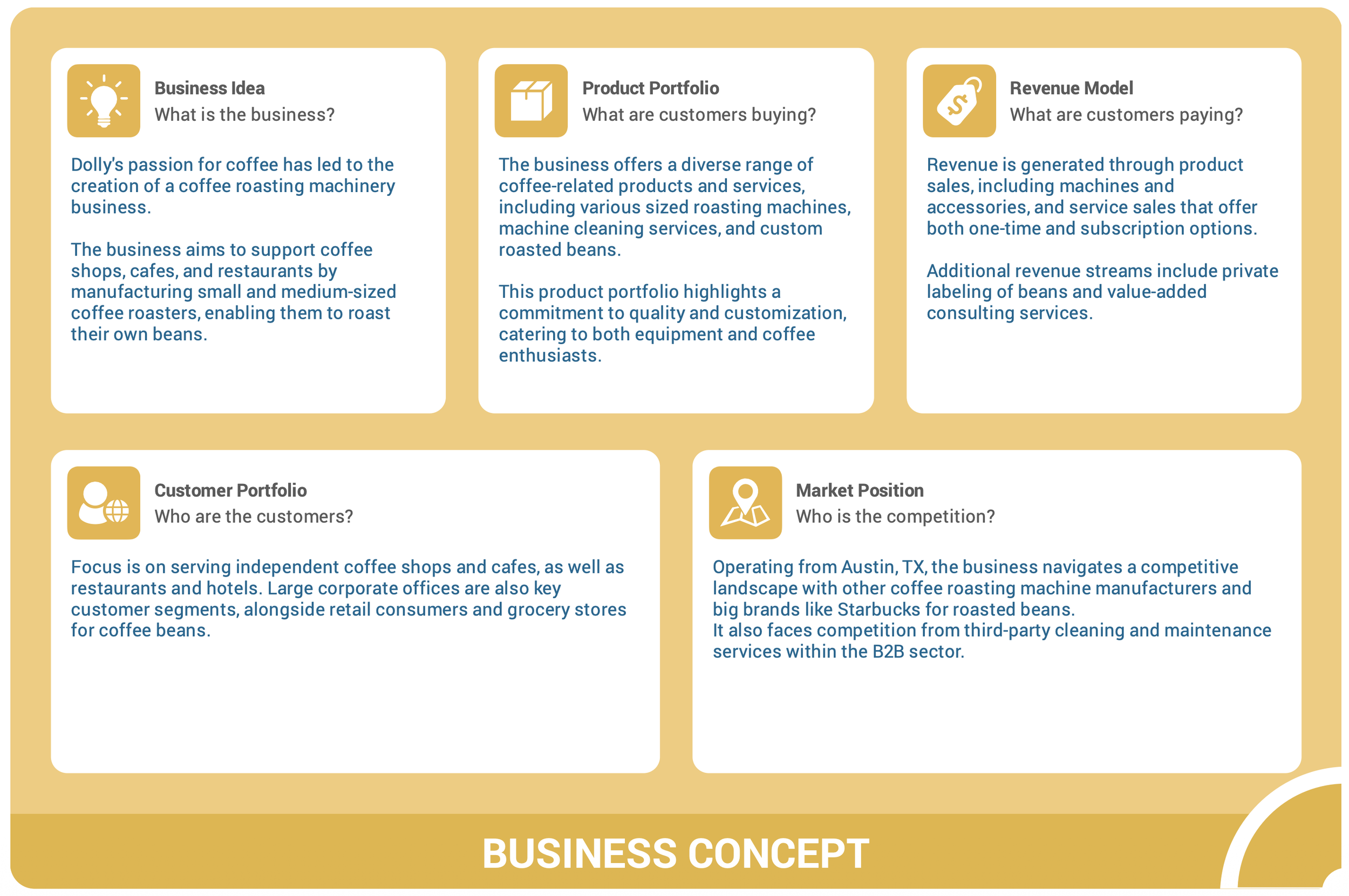
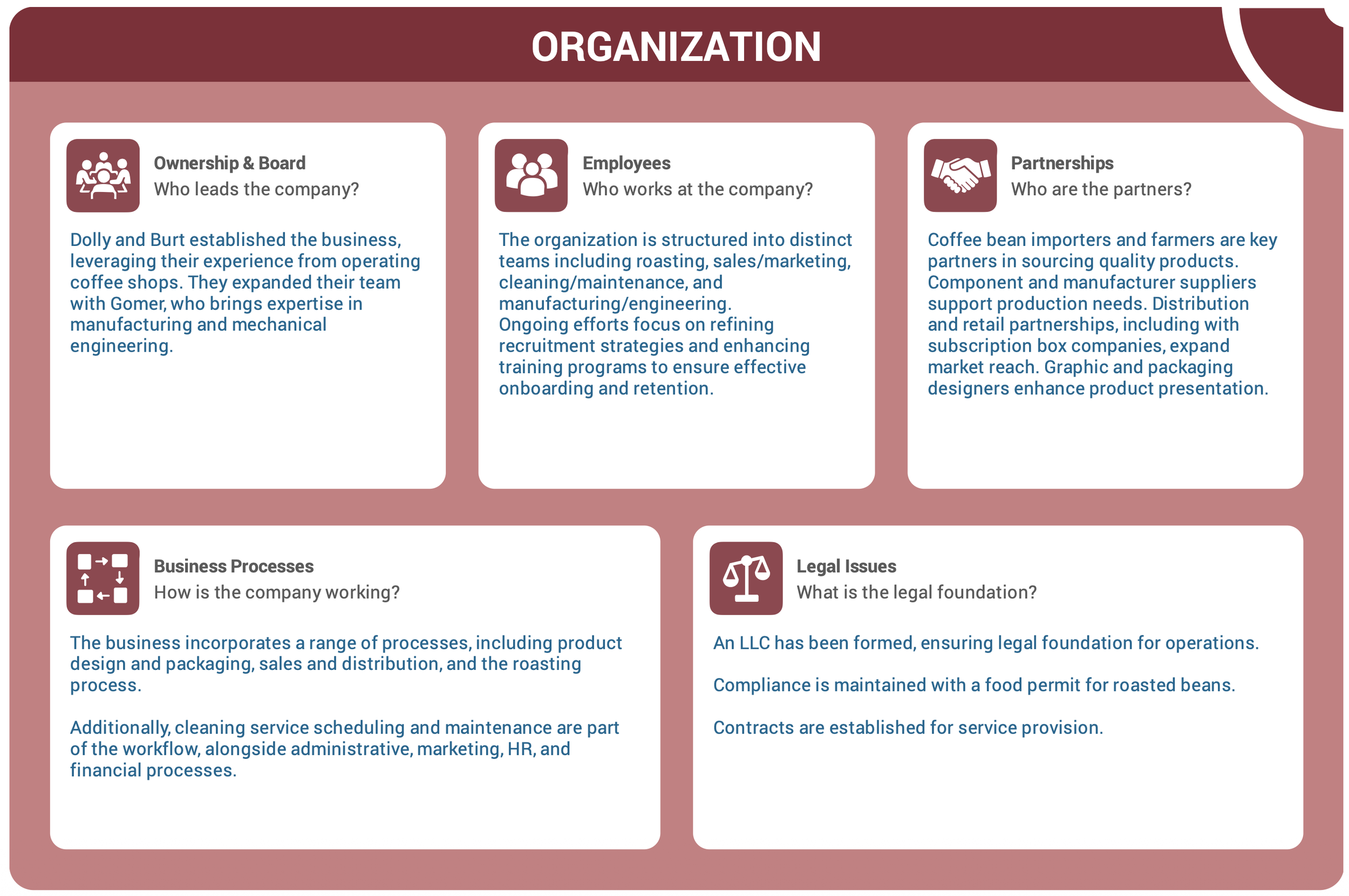
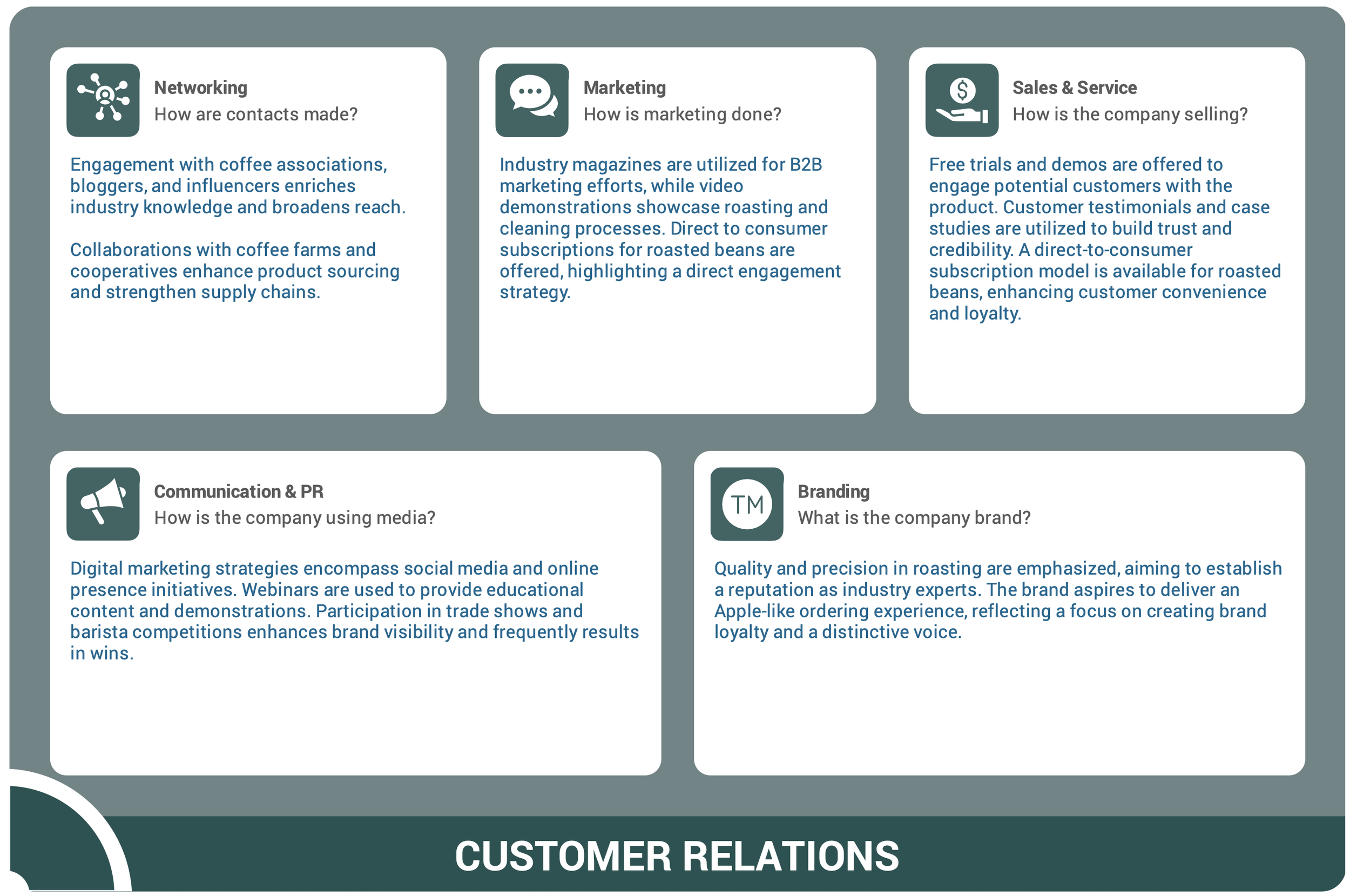
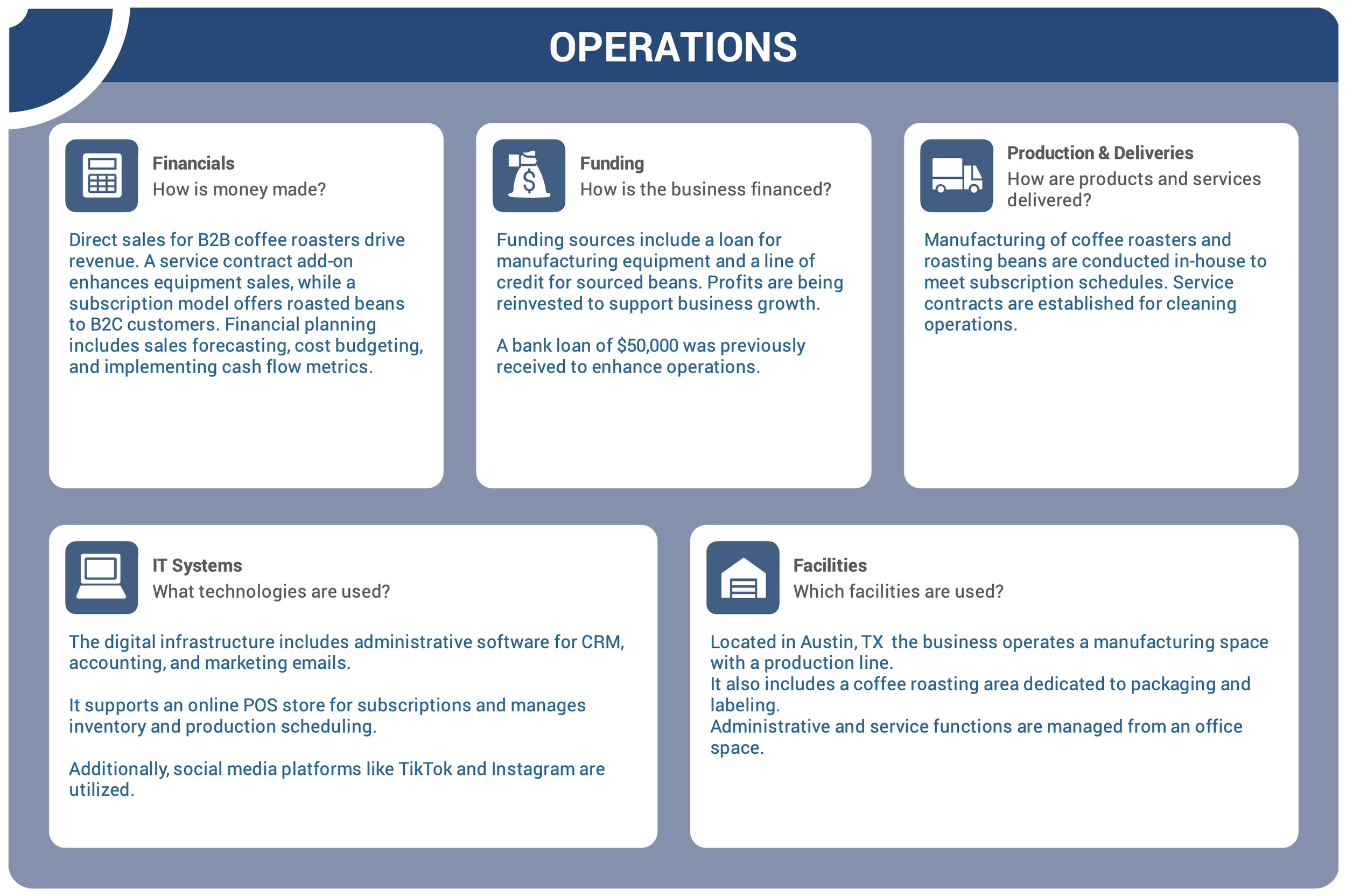
Four individual pages with detailed summaries per focus area
Request clients to complete a 360º Canvas:
You can also invite clients to create their own 360º Business Canvas.
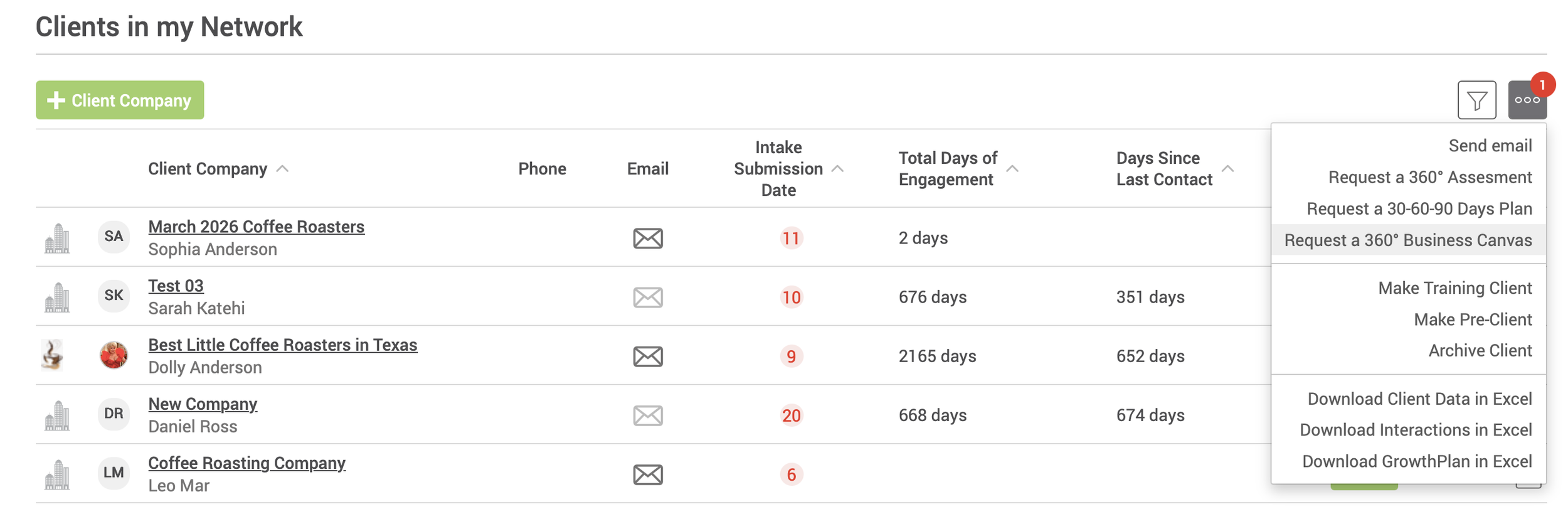
From the client list, select one or more invited clients, open the three-dot menu, and choose “Request a 360º Business Canvas.”
The client will receive an email with a direct link to complete the canvas and share it back with you for review.