A partner organization is never just one person, yet your Resource Partners only had room for the organization. That’s why they now include the people too, not just the organizations.
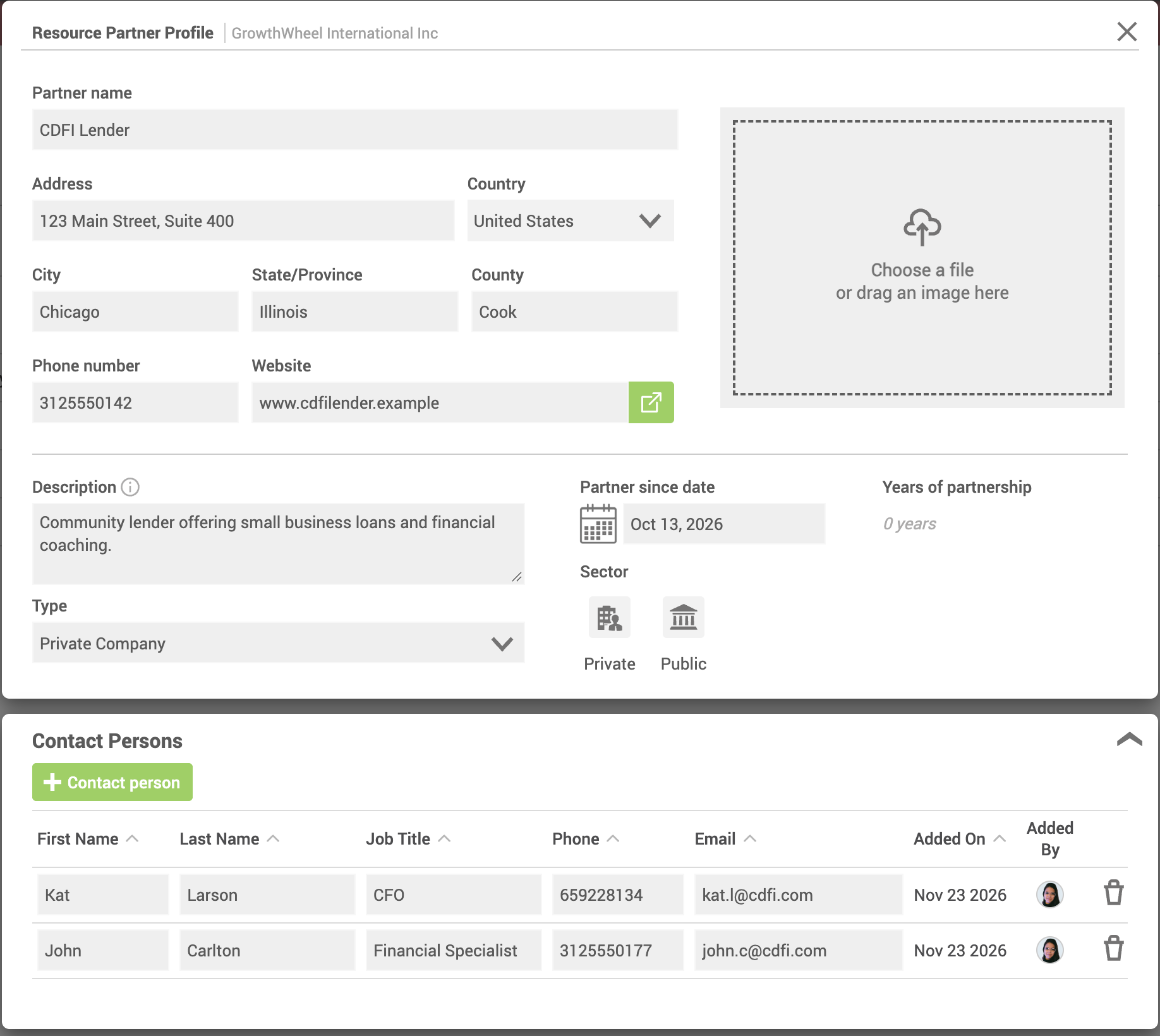
Go to the Network tab, open Resource Partners, and select a partner. In the Contact Persons section, click + Contact person to add as many people as you need at the same organization.
Now your clients, advisors, and partners and the people behind them are all in one CRM.