
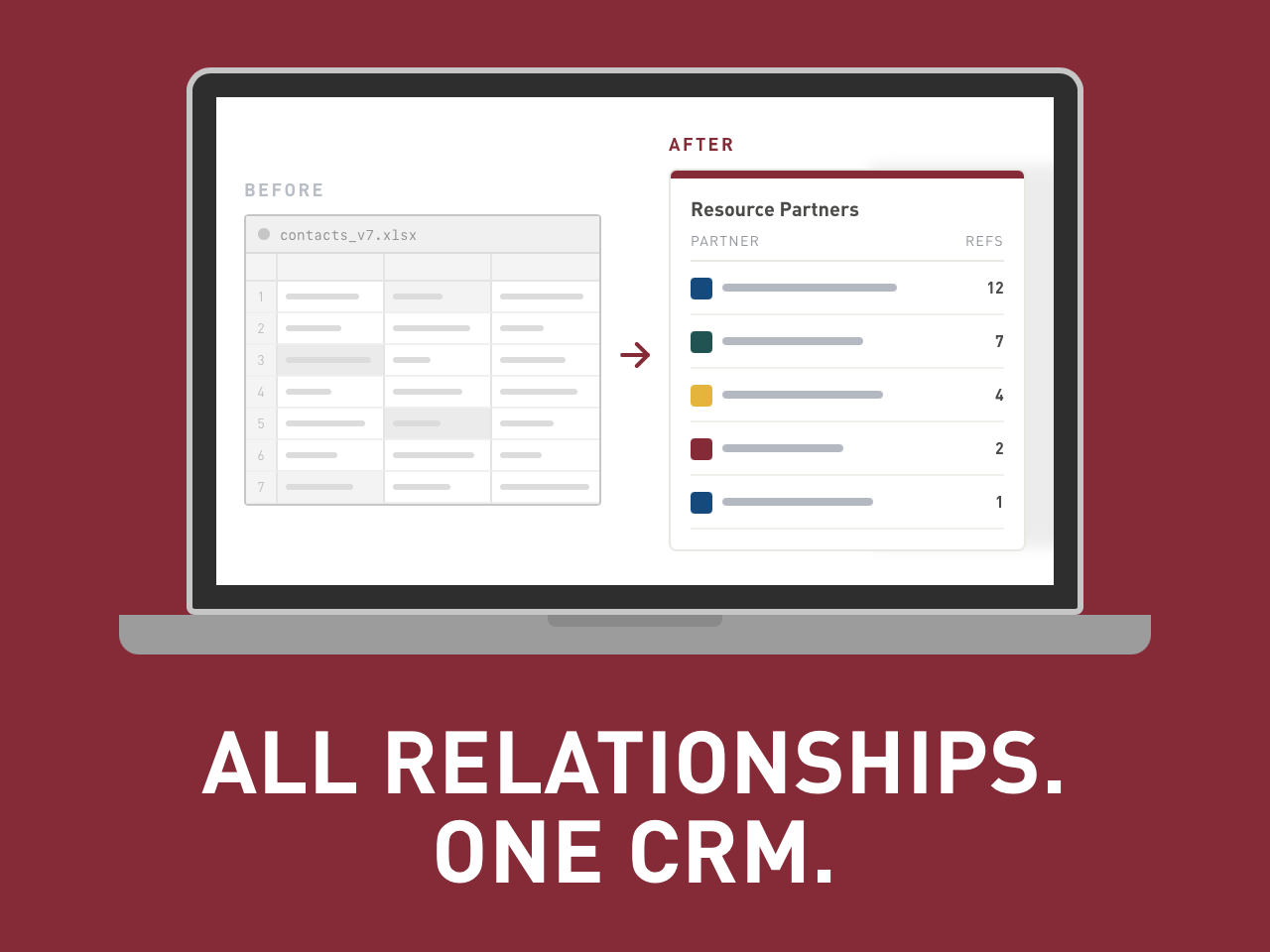
GrowthWheel Online is now the CRM for all your key relationships.
With the new Resource Partners feature, you can manage the organizations you refer clients to in the same place you already manage clients and advisors — no spreadsheets needed.
Until now, most advisors kept track of partner organizations in Excel or scattered notes. That information was hard to access, impossible to share with your team, and disconnected from your client data.
That's why we built Resource Partners — so every referral, every partner organization, and every client connection lives in one place your whole team can use.
In this short video, Elizabeth shows you how to use the new Resource Parters feature:
How to do it?
Create your partner network
Go to Network in the main menu and select Resource Partners.
Click Add Resource Partner to create a new entry — you can add a name, picture, business information, Partner Since date, sector, and type.
Your whole team can see and use the list, so partner information is no longer stuck in one person's files.
Tracking client referrals
From any partner's profile, add the clients you have referred to them. This creates a record of each referral — who went where and when. Clients are not notified when they are added.
You can also manage referrals from the client profile. Go to the Team page under the business profile to see every resource partner linked to that client, and to add new ones from there.
Need help? Import your existing partners
Already have a list of resource partners in Excel or another file? You do not need to enter them one by one. Share your file via support@growthwheel.com, and we will import it for you!