New Release: Add Decisions And Actions To Worksheets

Add decisions and actions to shared tools
- Let your client do it or add them yourself

This week we are launching 4 new exciting beta features on GrowthWheel Online: 

  • Your clients can see the list of tools you share with them in a new menu called Shared Tools
  • You can add and manage clients without giving them access to GrowthWheel Online
  • You can download PDFs of the 360° Screening and the 30-60-90 Day Plan with an updated design
  • You can add decisions and actions on tools that you have shared with your client 

These features will help you and your clients work together and share tools online.


Shared Tools
- Both you and your clients can see shared tools

When you have shared a tool or file with your client, that client is now able to see them in the Shared Tools menu.


Add decisions and actions to shared tools
- Find them in the 30-60-90 Day Plan

In the Shared Tools menu, you can now add decisions and actions to each of the tools that you and/or your client has filled out and shared. The decisions and actions are automatically transferred to the 30-60-90 Day Plan.

#1 Choose a shared tool
When you have emailed the tool or file to your client, go to the menu Shared Tools in the client's interface and choose the shared tool to which you want to add decisions and actions.

#2 Add decisions and actions
When you enter the tool in the menu Shared tools, you can hit the button "New action" and create a new decision or action that is related to that tool.

#3 Find decisions and actions in the 30-60-90 Day Plan
As soon as you add decisions and actions to a tool, you will be able to see them in the client's 30-60-90 Day Plan.

Here you can plan when to make the decisions and carry out the actions.


Invite clients or just create them

You can now add clients to your client list without inviting them to join GrowthWheel Online. This is useful, if you want to use the platform only to keep track of your clients, or if you simply would like to explore the features a bit more before inviting them.


PDFs of your client's decisions and actions
- Updated design of PDF files you create

We have updated the design of the PDFs you create from the 360° Online Screening and the 30-60-90 Day Plan. The PDFs will have key information about the tool, the company, and the team. This will enable you to easily print the decisions and actions you and your clients make to have them handy whenever you need them.
GrowthWheel in Mexico for the first time

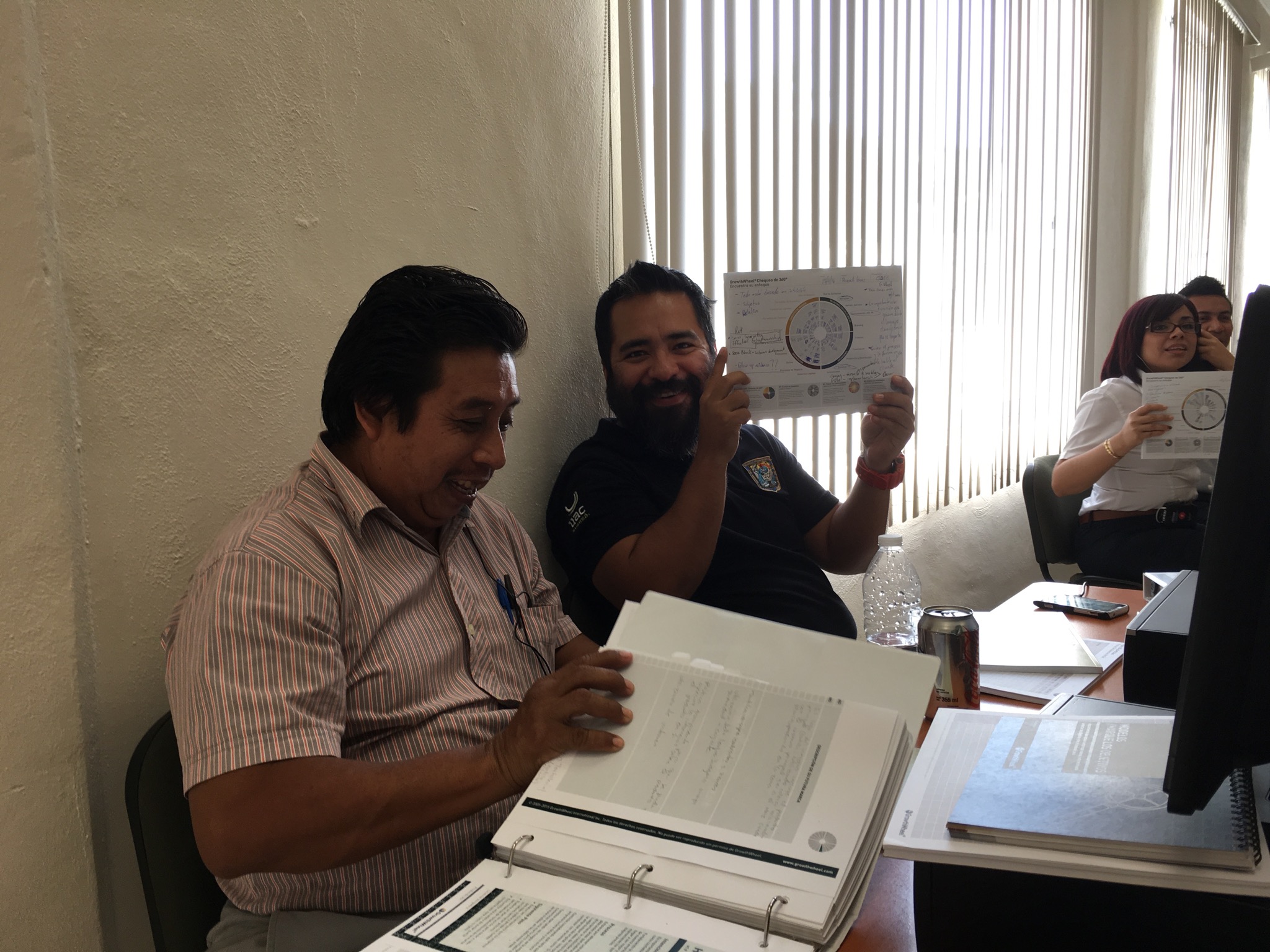
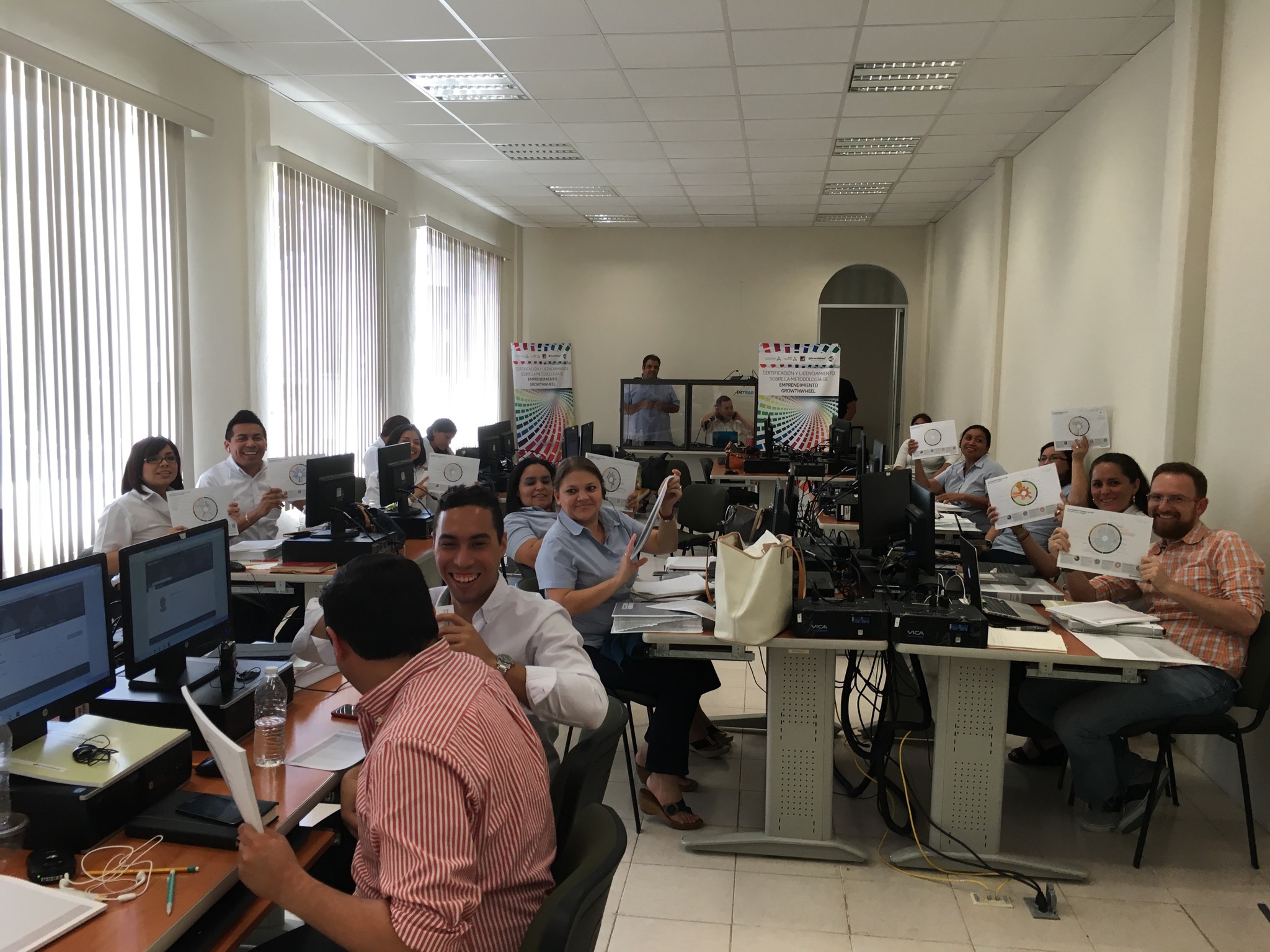
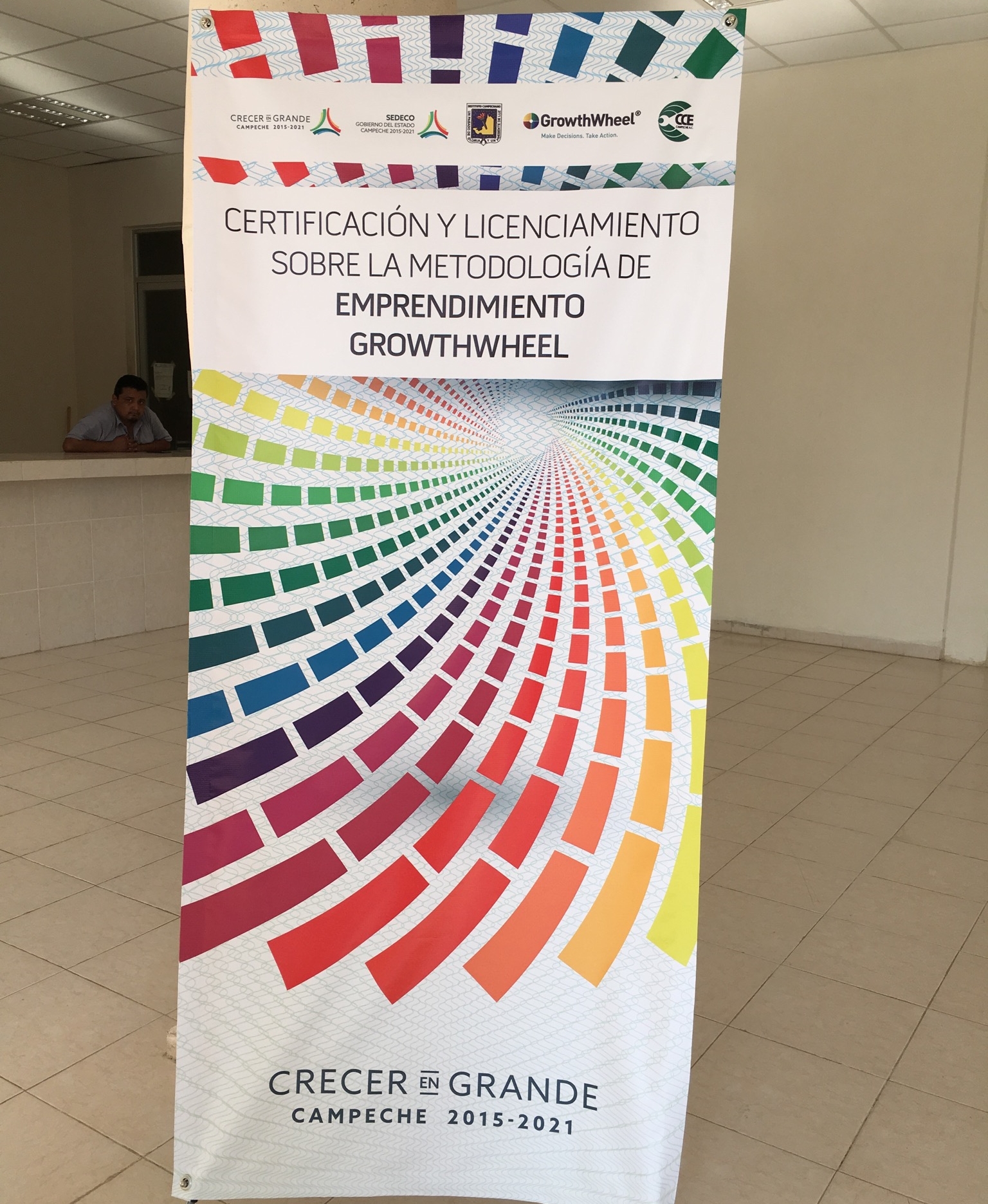
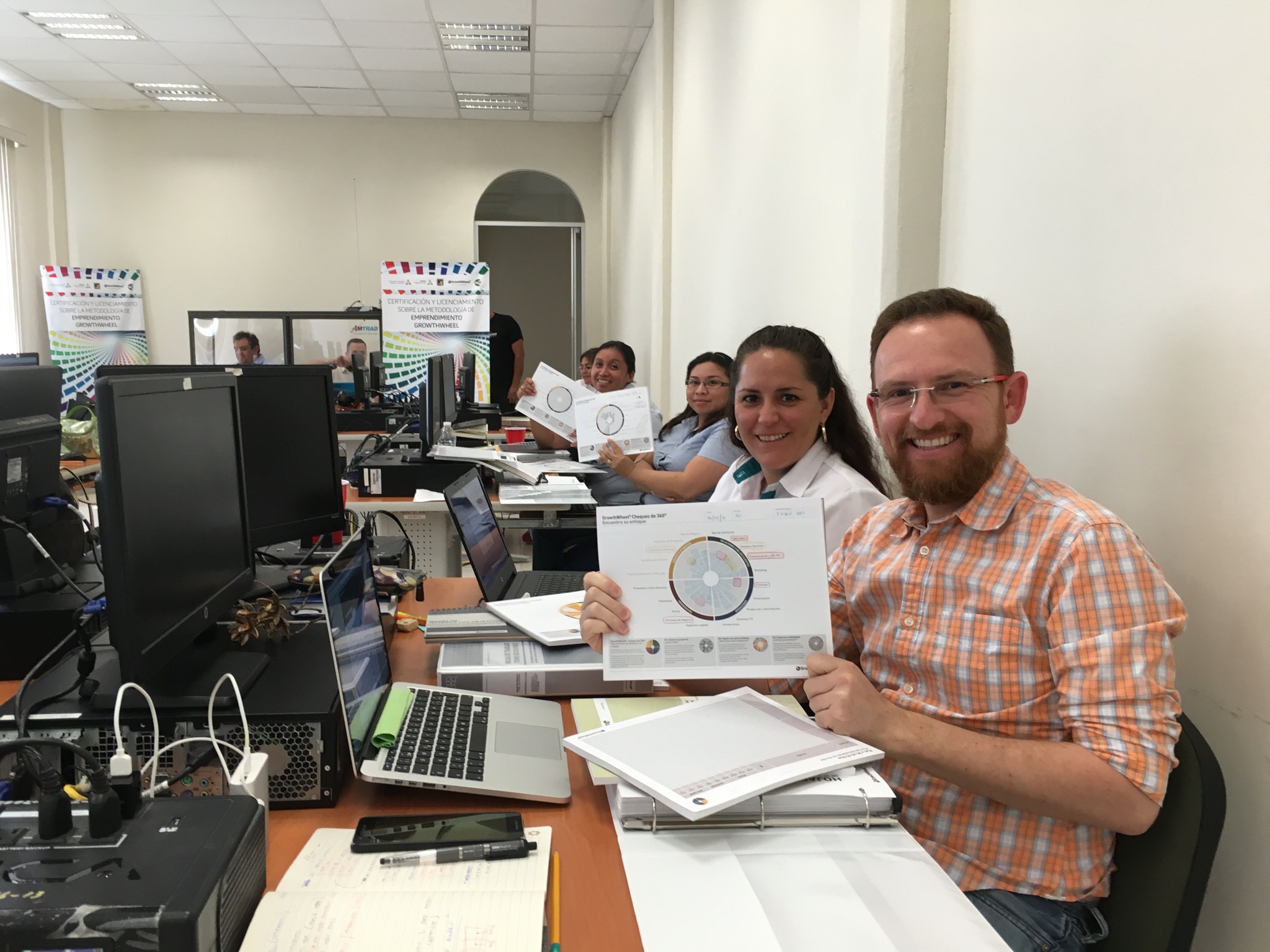
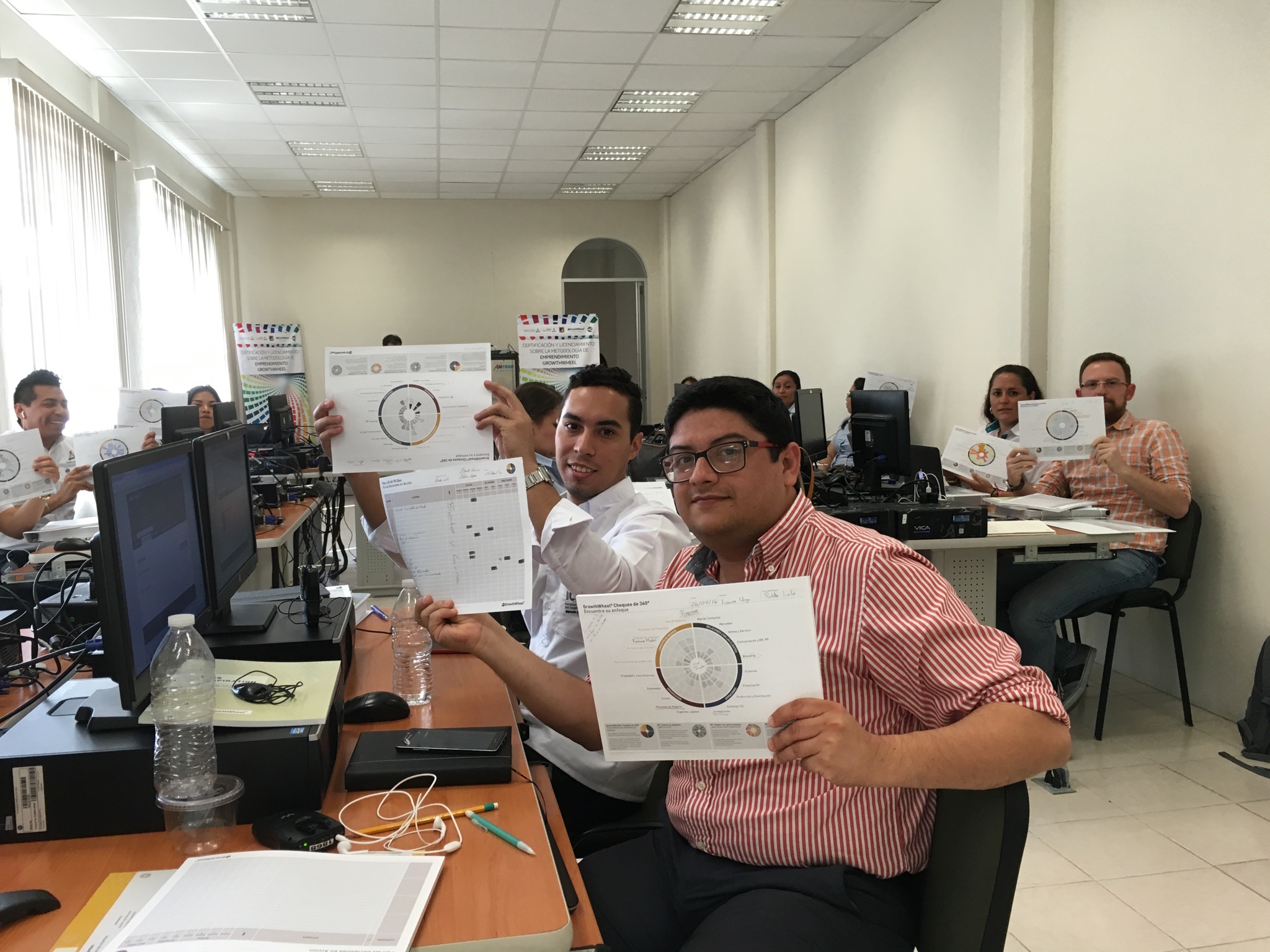
On April 26-27 we had a Certification Course in Mexico for the first time ever. In partnership with SEDECO, 17 new advisors got certified in the state of Campeche.

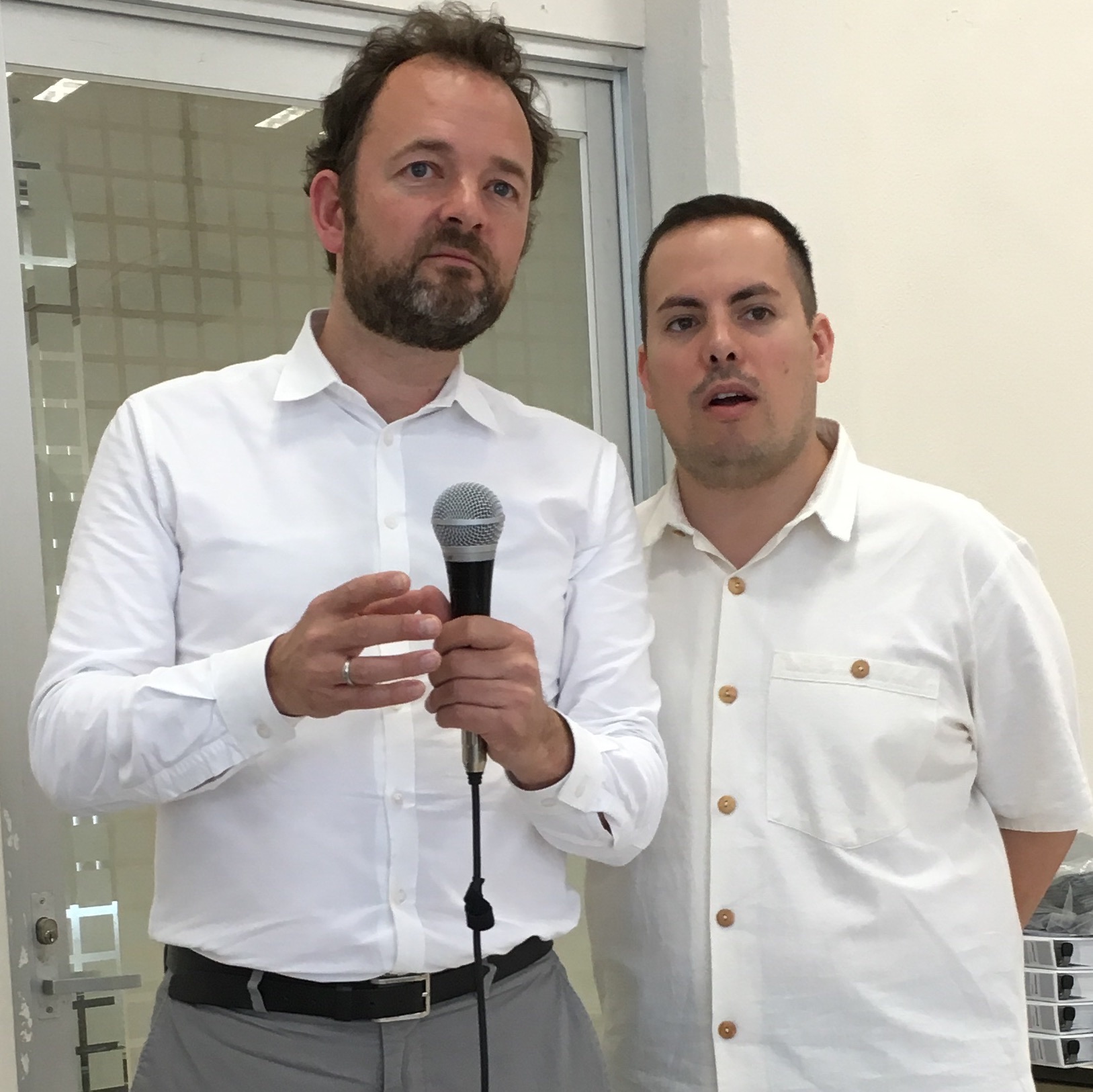
With help from the skilled interpreter Abner Anaya Mejía and his colleague Rodrigo Rodriquez González, the Spanish version of the GrowthWheel Toolbox and the Online Platform were presented.

There was a very strong commitment from many stakeholders in Campeche, and we welcome all the new Certified Advisors from  Gobierno Del Estado De Campeche, Secretaria De Desarrollo Economico and MPM Group to our GrowthWheel Community.

Certification Course in Columbus, Ohio on June 9-10

In partnership with the Ohio SBDC Network, we will be back in Columbus on June 9-10.
 
We welcome a new group of advisors in Ohio to be certified, as well as advisors who will join us for a free re-certification. The course is open for participants from all other organizations too.

Participants from the following organizations are already signed up for the course:

  • SBDC at Zane State College
  • Oakland County Business Center
  • Hispanic Business Center
  • Ohio Small Business Development Centers
  • Ohio SBDC at Summit Medina Business Alliance
  • Goshen County Economic Development Corporation
  • KDDK Legacy Group LLC
  • SBDC at Kent State University
  • Lorain County Community College-SBDC
  • Ohio University SBDC 
  • Greater Cincinnati Urban League


Back in Copenhagen, Denmark where GrowthWheel was founded

On June 21-22, we are back in our own turf with a Certification Course in the GrowthWheel Office in central Copenhagen.

Every year we have about 4-5 courses in Denmark, which means that our many Danish partner organizations always have the opportunity to get new staff certified. We are looking forward to seeing new advisors on board, and as always we welcome a few familiar faces for a free re-certification. More than 400 business advisors are using GrowthWheel in Denmark through the partnership we have with The Danish Business Authority (Ministry of Economics and Growth).  

We are looking forward to welcoming participants from a wide range of organizations including Vaeksthus Zealand, Vaeksthus Copenhagen, and Vaeksthus Southern Denmark.  

Other participants:
- CoLearning
- D2i
- Design to Innovate
- MARCOD
- Skiveegnens erhvervs- ogturistcenter
- Slagelse Erhvervscenter
- Sønderborg Vækstråd
- Vordingborg Erhverv

Certification Course held in Orlando before the annual InBIA conference

It has become a tradition to have a Certification Course before the annual InBIA conference, so of course GrowthWheel visited Orlando on April 15-16. Participants from the South East US flew in a couple of days before the conference to participate in the course. The states represented were: Virginia, North Carolina and South Carolina.

A great welcome to the newly certified advisors from the following organizations:

  • ADEI
  • Hampton Roads Veterans Business Outreach Center
  • Startsville Center for Innovation
  • Thomas Family Center for Entrepreneurship
  • UNCP Entrepreneurship Incubator

New Release: Keep track of your shared tools

Keep track of your shared tools
- And your clients can do the same

This week we have launched 3 new menus: “My Files”, “Shared Tools”, and “Client Files”.

With the new features, you can now upload your own files, send the files to your clients, and keep track of all shared files. And the best thing is that your clients can do exactly the same!

To get started go to the new menu "My Files" and upload one or more of your own files. You can both upload documents, spreadsheets, images, and PDF's.


#1.png

#1 Shared Files
Keep track of the files you have shared

The new menu "Shared Files" will help you keep track of all the tools and files you have emailed to a client. Go to your Client List, select a client, and go to Shared Tools to get an overview. You client will have the same option of viewing shared toold. 


#2 My files
Upload and share your own files

You can use your files the same way as you do with the GrowthWheel Tools: email files to a client, download them, mark your favorites with a start, and add files to the toolbasket. 


#3 Client Files
See all your client's shared files

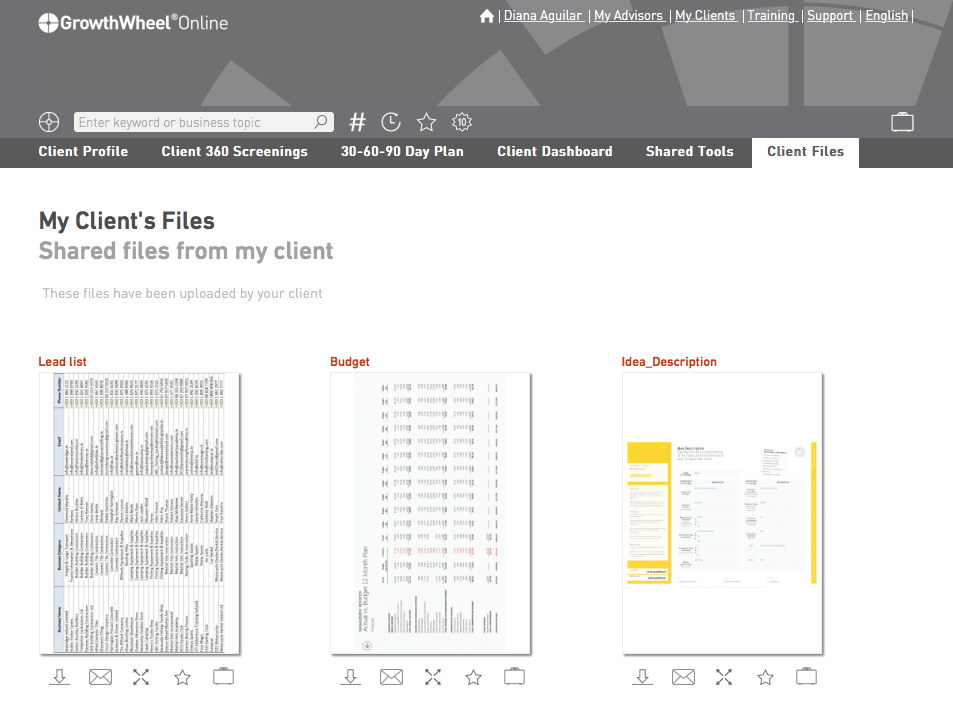
Your client is also able to upload files to GrowthWheel Online. This is a good way to share filled out Worksheets or information about the client company. In the new menu "My Client's Files" you can get an overview of your clients files. 


#4 Send Links to Tools instead of Attachments
Edit your email settings

As a beta tester you can now email tools as links (instead of as attachments). To use this option go to your profile and open email settings. At the bottom you can turn on "Send tools as links".

Back in Pretoria, South Africa for the second time this year

On the back of a very successful GrowthWheel Certification held in March at the The Innovation Hub Conference Centre, and due to demand we are bringing the June Course forward to May 19-20.

We are looking forward to host the Seda SABIC Award Finalist Savant and BICSA, as well as SEDA Gauteng Branch, Esayidi TVET College, SANAMI Business Advisors, Mentors, Coaches and Practitioners. 

Please contact Hilton Theunissen for more information about the upcoming or future courses in South Africa. 

GrowthWheel habla español

On April 26-27 we have our first ever Certification Course in Campeche, Mexico. The course is organized in partnership with SEDECO Campeche

The course is open and participants from other organizations are welcome. It will be held by David MAdié in English, but with Spanish interpreters, and the materials will be in Spanish. 

If you would like to know more about GrowthWheel in other languages please contact Gitte Krenk, our translator and localization manager. 

GrowthWheel welcomes 29 new advisors in South Africa

On March 31 - April 1 we had our first Certification Course in Pretoria this year. We plan to have 6 courses in South Africa this year - so this was just the beginning. In partnership with our long-term partner Innovation Hub we welcomed 29 business advisors - among them 6 from Innovation Hub. The participants were incubators and SEDA partners from provinces all over South Africa

Meet us at the InBIA 2016 Conference in Orlando, FL on April 17-20

GrowthWheel is a proud sponsor of the 30th International Conference on Business Incubation in Orlando, FL on April 17-20. This will be our 7th year at the InBIA Conference!

This year David Madié will participate along with Hilton Theunissen, our new managing director of GrowthWheel South Africa Pty Ltd. We have many GrowthWheel Certified Business Incubators in South Africa so this will be a great change to connect with the international community of business incubators.

If you would like to get get certified join us at the Certification Course in Orlando right before the conference. This course usually attracts a large number of international participants, who are traveling in for the conference.

We're back in Toronto

Every year we have 3-4 Certification Courses in Canada, and on March 21-22 we revisited the great city of Toronto. In partnership with the Toronto Business Development Centre, the Certification Course hosted organizations from the provinces of Ontario and Quebec, as well as a participant coming in all the way from San Francisco. 
 
We are happy to welcome advisors from the following organizations to our growing network of GrowthWheel Certified Advisors: 
 
- Fleming College
- Greater Peterborough InnovationCluster
- MEV Innovation Centre
- Plus11 Entrepreneurial Amplifier
- San Francisco SBDC

New Release: Collaborate with your Colleagues

Share a client with your colleagues
- and start working together

In this release we have focused on one of the most requested features: sharing a client with a colleague.

You can now share one or more clients with your colleagues - and they can share their clients with you. 

You and your colleagues can work together with the client and see all shared information: The client's profile, 360° Screenings, 30-60-90 Day Plan and the Client Dashboard.


#1 Share a client company
Work together on GrowthWheel Online

If you would like to share a client company go to the "Client Profile". Click on the "share" icon to see the list of your colleagues. Select one or more colleagues and click share. Your colleague(s) will now receive an email notification and will be able to see the client company on GrowthWheel Online.


#2 Filter the 30-60-90 Day Plan

You can now filter your 30-60-90 Day Plan. Click on the filter icon and select one of 3 options: "View all", "View un-completed" and "View completed".


#3 Decision and actions due sooner than 30 days?

We added 1 extra column for decisions and actions that have to be completed sooner than 30 days. 

New Release: Manage your Clients

Manage your clients
- Edit the company profile, request a 30-60-90 Day Plan, archive clients, and much more 

Did you notice that you can easily manage your clients on GrowthWheel Online?

You can:  

  • Add and edit information about your client
  • Request a 30-60-90 Day Plan from your client
  • Archive past client companies
  • Edit text on saved notes, decisions and actions in the 360° Screening

#1 Edit the Client Company Profile

Select a client and go to "Client Profile" to add and edit information about your client. Or you can simply leave this task with your client, who has the same options to add contact information, location, or upload a logo. 


#2 Request a 30-60-90 Day Plan

You can now request a 30-60-90 Day Plan from your clients. Go to the "Client List", select a client, open the bulk action, and choose "Request a 30-60-90 Day Plan". If you prefer you can add a personal message with instructions to your client. 


#3 Archive Client Companies

If you no longer work with a client (or have created a fake client to test the features) you can now archive client companies to keep your Client List nice and tidy. Just select the client, open the bulk action, and choose "Archive Client Company". To view or re-activate client companies, click the archive icon at the bottom of the client list. 


#4 Edit saved notes, decisions, or actions

After having a conversation on a topic, maybe you and your client would like to describe the decision or action better. If so, you can easily edit it.