The end of sloppy AI business plans is here!
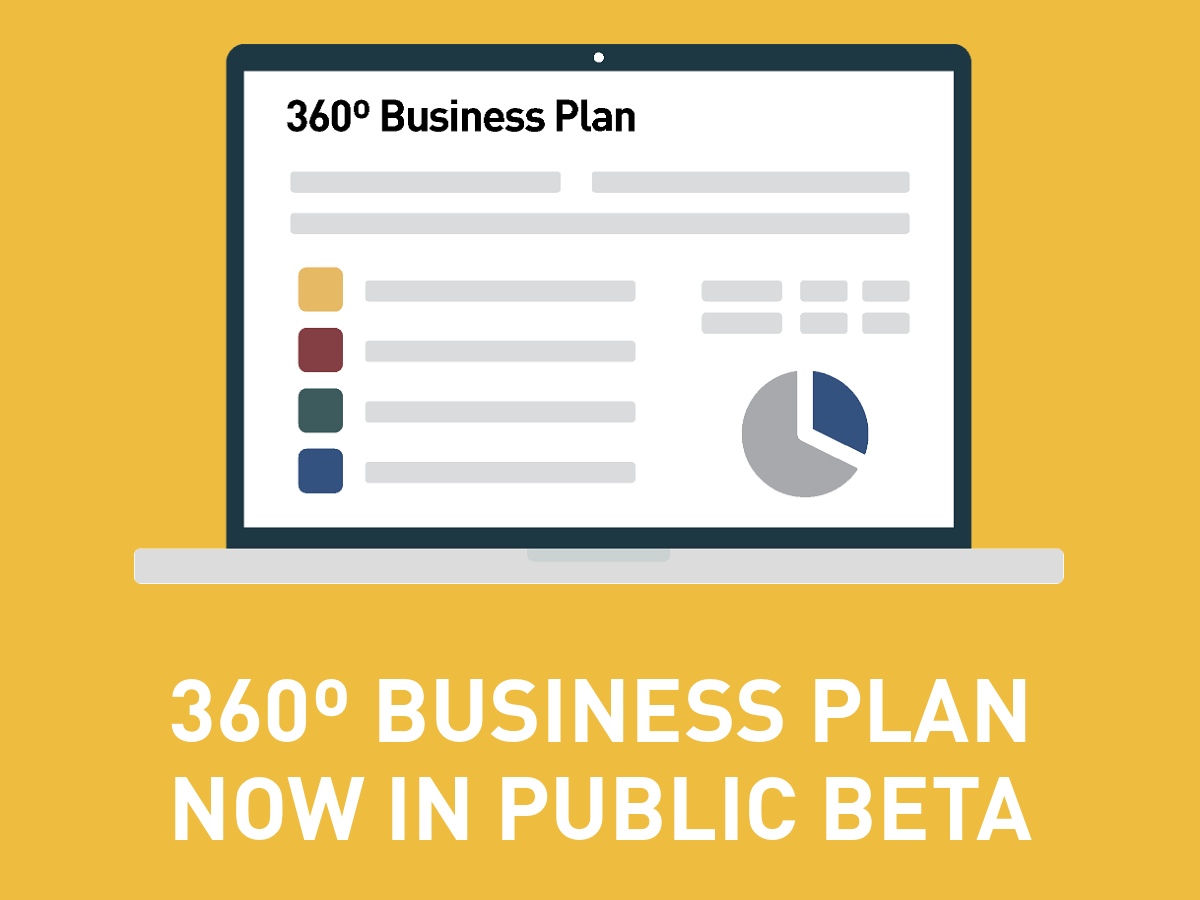
Every AI tool can write “a business plan.” Almost none of them write a good one, because a one-line prompt leaves the AI filling the gaps with generic, invented assumptions. That’s why the 360º Business Plan is now in public BETA: created by you, drafted by AI.
It starts from the real input you and your client have already built: your 360º Business Canvas, business profile, tracked ambitions, and any documents or websites you add. Better input, better output.

HOW TO USE IT:
To get started, use your completed 360º Business Canvas – or not. Add any supporting documents like financials or an old business plan, refer to external websites, and give the AI any additional instructions you have in mind.
Our 360º Business Plan is fully customizable: choose which sections to include in your final document, click Generate, and in a couple of minutes you’ll have a better first draft to work with.
If something is missing, the AI flags it and asks for it instead of inventing it.
Turn the work you are already doing in GrowthWheel into a real business plan in minutes instead of days, and give your clients a document worth actually reopening.
In this short video, Elizabeth shows you how to create a 360º Business Plan in GrowthWheel Online:
Want to try the 360º Business Plan in your own practice? Request early access and we will get you started.* If you are interested in getting a GrowthWheel license, request a quote below.
*A GrowthWheel license is required to use this feature.